Unlimited free events. Endless possibilities.
Bring people together with unlimited free events. Create your event page, manage tickets, and welcome guests with easy check-ins—all from one Dash3 account.
Upcoming Events
Find your next event, reserve tickets, and see everything the organizer has planned.
More events are coming soon
New public events will appear here as organizers publish them.
A focused event platform from the Dash3 stack.
The Events site keeps the public experience simple while sharing the same account foundation as Dash3 Golf. Organizers get event setup, ticketing, scan tools, attendee records, and check-in operations without carrying golf-specific workflow into every screen.
Event Builder
Create public or private events with dates, capacity, ticket labels, pricing, descriptions, images, and organizer controls.
Ticket Management
Sell tickets, track buyers, manage ticket holders, support guest details, and keep each purchase connected to the user account.
QR Scanning
Give staff and volunteers fast scan tools for validating tickets, preventing duplicate entry, and moving lines quickly.
Check-ins
Monitor who has arrived, manually check in guests, handle exceptions, and keep event-day staff on the same page.
Marketing Links
Generate share links, QR codes, and event pages that make it easier to promote ticket sales across channels.
Staff Access
Separate organizer, staff, and volunteer workflows so the right people can manage check-ins without full admin access.
Custom Event Sites
Give each event a polished public page with tickets, schedules, sponsors, details, media, and calls to action.
Online Live Auctions
Run mobile-friendly auction items, live bidding, sponsor visibility, winner tracking, and checkout workflows.
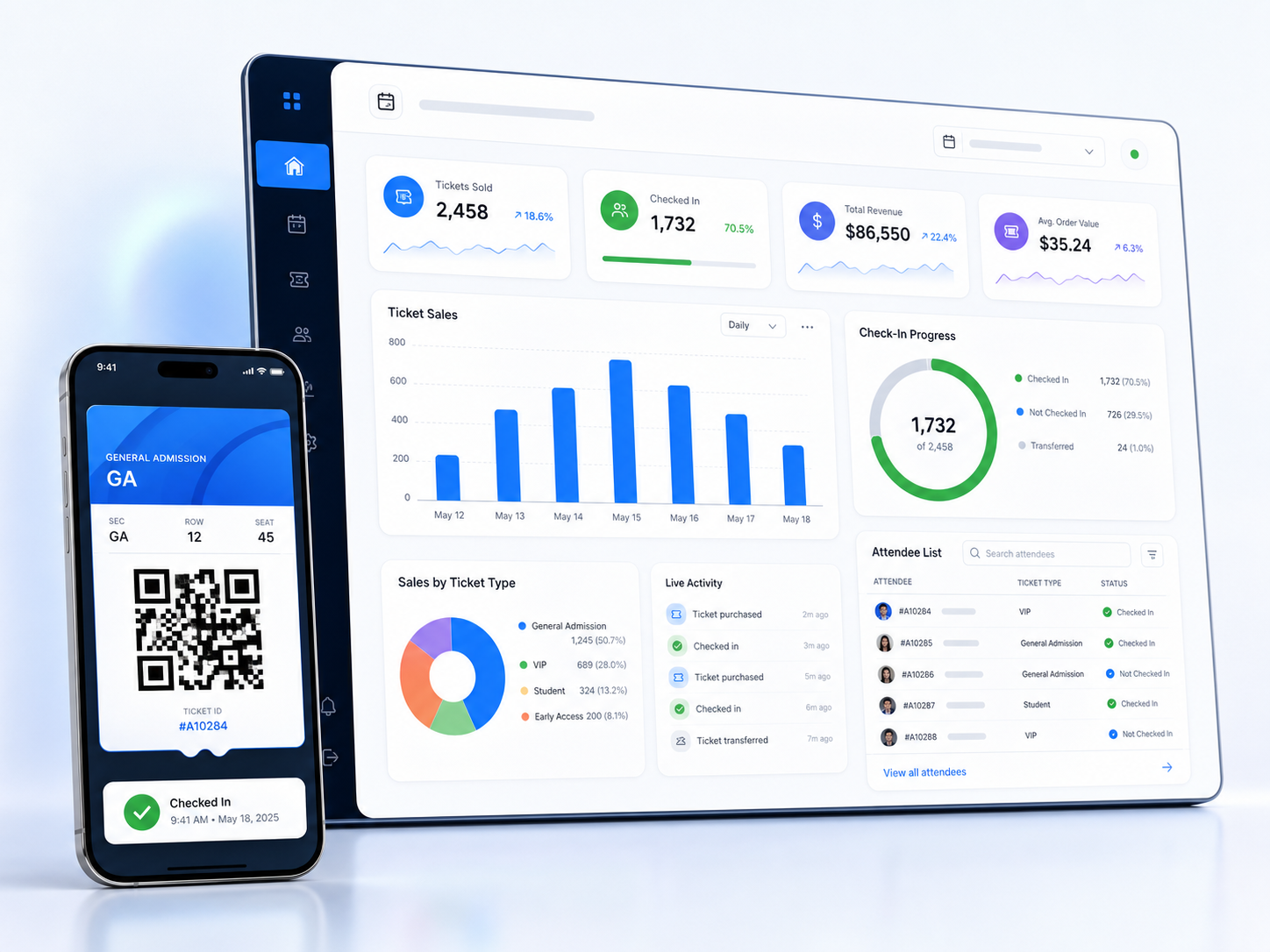
Ticketing without losing the operational view.
The Golf account already proves the core pattern: event records, ticket purchases, ticket holders, QR access, check-in status, and transaction history. Dash3 Events turns that into the main product instead of a tab inside a golf account.
Build the event
Set event information, availability, ticket labels, visibility, and sales settings.
Sell and track
Keep tickets, buyers, payments, and attendee details connected to the event.
Promote the site
Launch a custom event site with sponsor placements, auction links, ticket buttons, and event details.
Run the door
Scan QR codes, verify tickets, and update check-in status in real time.
Review results
Use purchase and check-in records to understand attendance and revenue.
Built for the front door.
Event-day tools need to be fast, obvious, and restricted to the task at hand. The Events spin-off keeps ticket scanning and check-ins first-class instead of buried inside broader golf operations.
Scan Mode
A focused scanner screen for staff phones, tablets, and laptops at the door.
Manual Lookup
Find buyers and ticket holders by name or email when a QR code is not available.
Duplicate Warnings
Flag already-used tickets so staff can handle exceptions before entry becomes messy.
Volunteer Access
Give helpers check-in tools without giving away organizer financial or admin controls.
One account across Dash3.
A user should be able to register on Dash3 Golf or Dash3 Events and use the same identity on both. The Events site will share the Azure users table while keeping event-specific data in event-specific tables.
Shared User Identity
Email, password, profile, and account status remain centered on the shared Dash3 user record.
Separate Product Context
Events can have its own dashboard, permissions, ticket data, and event records without duplicating accounts.
Cross-site Access
The same user can move between `dash3golf.com` and `dash3events.com` with consistent account ownership.
Your next event starts here. For free.
Create a free account and host unlimited free events. From your first gathering to your next big celebration, bring everyone together with Dash3 Events.